













Create content that drives outcomes

WeVideo's powerful multimedia creation tools make it easy for all-level creators to engage any audience time and time again.

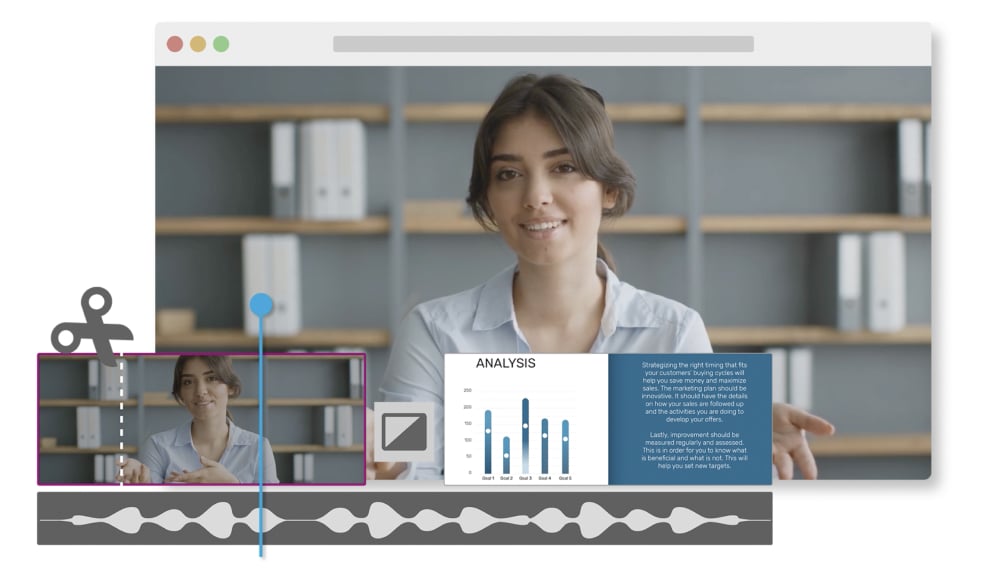
Mock of training video being created.
Easy video creation for any use case

Dreaming of an all-in-one platform that lets you easily make and iterate effective marketing videos, green screen demos, video memes, and more? Create, edit, and export dynamic content in no time with:

Try for free
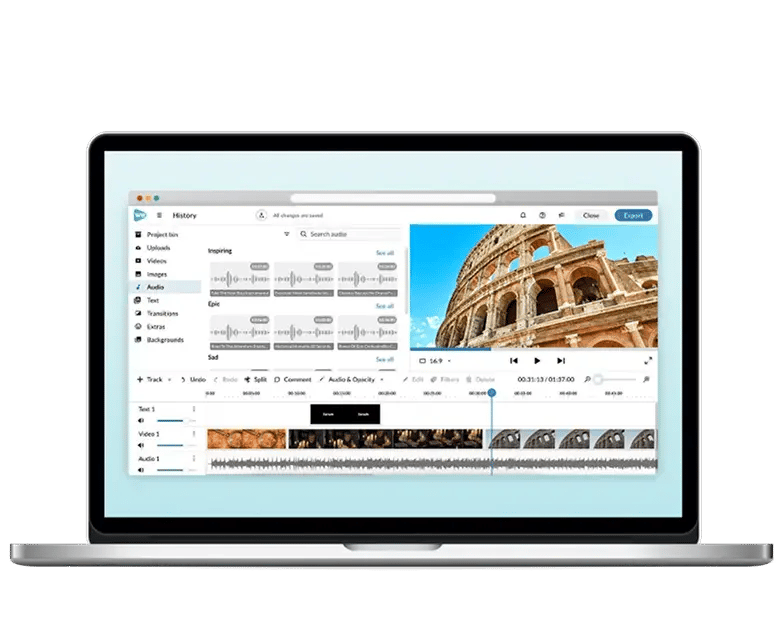
Computer mock 1

Compare plans

Key features Free Creator Teams
Publish time 5 min/month Unlimited Unlimited
Cloud storage 1 GB Unlimited Unlimited
Max video resolution 480p 4K Ultra HD 4K Ultra HD
Save to any device
Multiple video formats
GIF creator
Export audio only
Voiceover
Screen recording
No WeVideo watermark  
Audio boost  
Greenscreen  
Slow motion  
Cropping  
Motion titles and templates  
Record screen and webcam together
Upload directly to social  
Manage your brand  
Unlimited use of stock media library  
Create your own templates    
Add more users    
Collaborate and share projects    
Manage user permissions    
    Try it Try it

Ready to elevate your content creation game?

FAQs

WeVideo is an easy-to-use interactive video learning platform that empowers educators and creators to make dynamic content. Whether for team projects, video editing and creation, or truly whatever else—WeVideo has everything you need to make it happen.

Yes! You can experience WeVideo for free, though free accounts have some limitations, including:
  • Limited storage: 1 GB
  • 5 minutes of exporting time per month
  • WeVideo watermarks on exported content
  • Stock media access without the royalty-free option
  • 90-day inactivity policy: Content is deleted for free and inactive accounts after 90 days with no ability to restore media

Ultimately, you can get a feel for WeVideo with a free account, but it's better to upgrade to a paid plan to get the full scope! Plus, you can experience everything WeVideo has to offer on a free trial.

Nope! WeVideo is a browser-based video learning platform, so no separate downloads are required. 

WeVideo is compatible with Google Chrome, Mozilla Firefox, Opera 15+, and Microsoft Edge for easy access on all browsers! Mac, Chromebook, Windows? All a go. So long as you have a wifi connection, you can also access WeVideo using both Android and iOS

Absolutely! No tech savviness or experience is necessary for new WeVideo users. 

WeVideo helps educators easily create classes, assign interactive content, monitor grades, and manage student rosters inside the Admin Dashboard. Students can join classes with a shared link or class code. After a prompt to login, create an account, and confirm email and class details, they're in! Classes are accessible anytime from the Classes page.

Yes! Wherever you start doesn't have to be where you stay. To upgrade your account:
  • Go to Account settings > Plan and payment. 
  • Select Change plan to select your upgrade.

To downgrade your account to a free plan:

  • Select Downgrade to free. 

You can also manage your mobile subscriptions via the App Store or Google Play Store.

For questions, reach out to us via support@wevideo.com. We're here to help!

If your subscription expires and you'd like access to your account without upgrading, select Downgrade to free. For help managing your subscription, reach out to us via support@wevideo.com.

WeVideo supports MP4 video formats with high resolution options ranging from 780p to 4K. When exporting, simply choose your resolution preference from the dropdown and select standard definition, HD, Full HD, or Ultra HD to meet the needs of any project.

You bet! WeVideo's extensive built-in music library makes it easy to enhance content with engaging tunes. Find the perfect vibe for your projects in the Audio tab for tons of royalty-free songs, audio effects, and music clips that you can split, trim, and edit to your heart's content.

You absolutely can! WeVideo's built-in voiceover tools make it easy to auto-sync video and voice in just a few clicks. Record, layer, and add some polish for pro-level editing that'll make you want to give yourself a pat on the back.

Depending on your WeVideo plan, you can absolutely have multiple people edit the same video. Free and Creator accounts grant one user editing access at a time, but upgrading your account allows for multi-user editing capabilities. You can refer to our pricing page for more details on each plan.

Yes, teachers can easily manage student WeVideo accounts in the following ways:

  • Create classes in the Classes tab

  • Add students manually or by generating assignment links or classroom codes

  • Remove students from classes

  • Monitor student grades

  • Edit class details

  • Add collaborator roles for assistants or instructors

  • Archive or unarchive classes as needed

Each learner has access to their own account, but they are safely managed by educators. These permissions make it easy for educators to control and manage student participation and progress within their classes.

Yes! WeVideo has FERPA and COPPA-compliant services. Our privacy policy shares more about how we manage and protect your data based on your school policies. Please note that the free accounts are not protected by the school's plan and are therefore not COPPA compliant. For further questions, feel free to contact us.

From 780p-4K Ultra HD, WeVideo's got it all! Not sure which resolutions or quality to use? Here's a quick cheat sheet:
  • Standard definition (852 x 480): Drafts and feedback
  • HD (1280 x 720): For social media applications
  • Full HD (1920 x 1080): For streaming, demos, and presentations
  • Ultra HD (4K): For any display

Free plans cap your storage at 1 GB and resets monthly. Creator plans grant unlimited cloud storage. In the event of any changes, you can always manage your subscription in your account settings.